

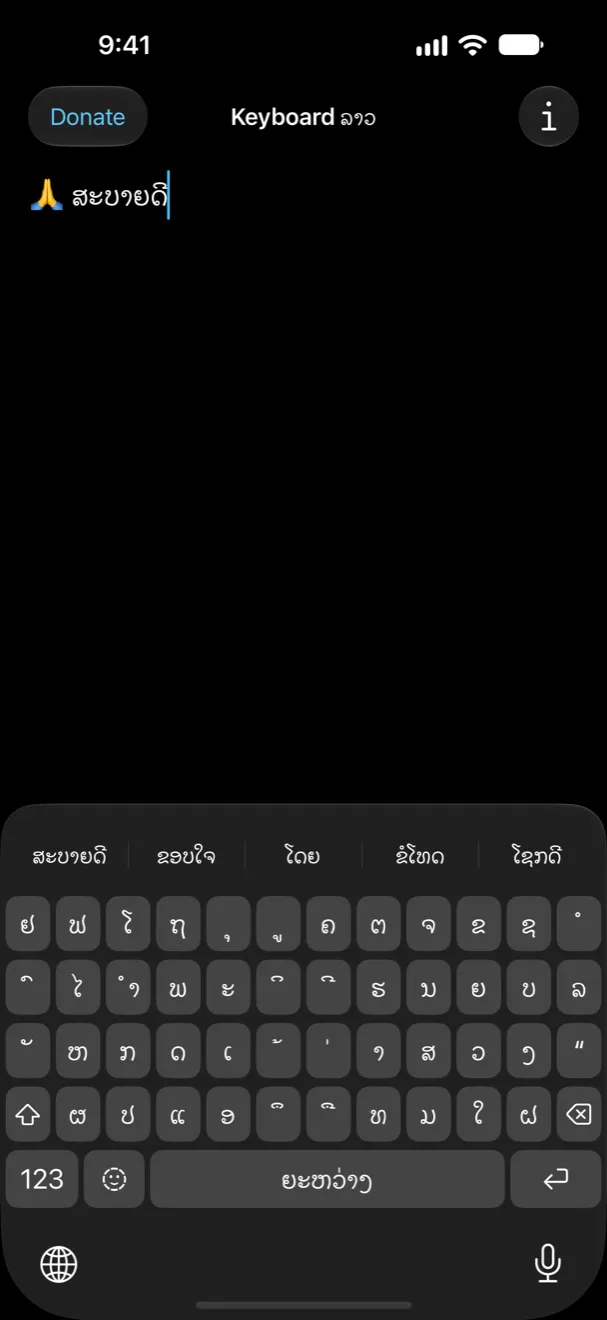
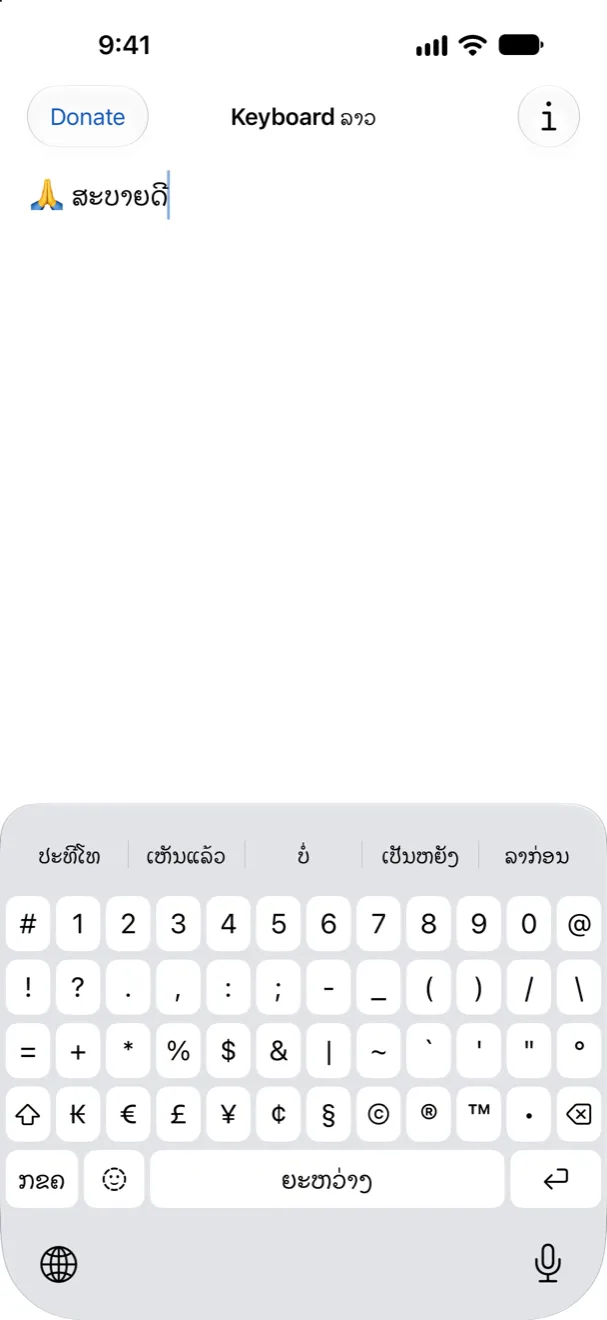
Keyboard Lao is a Lao keyboard for iPhone and iPad, from Sahtu Press. Once it’s on, you can type Lao in any app: Messages, LINE, Facebook, notes and email.
How to turn it on
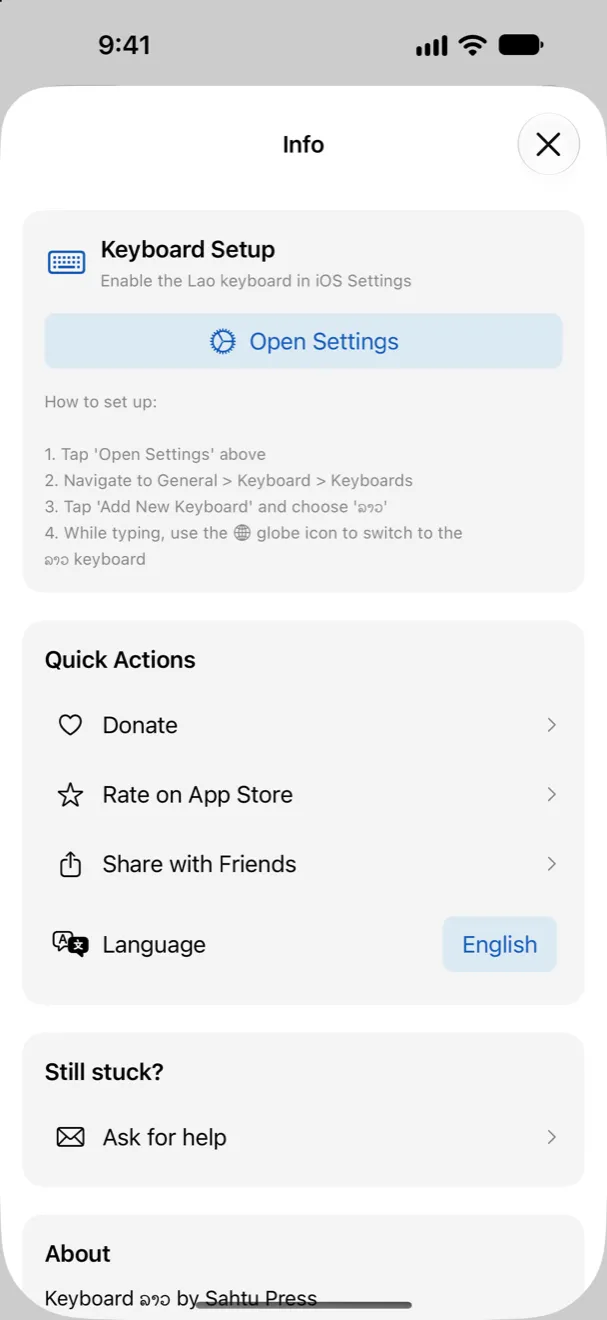
- Open the Settings app.
- Go to General › Keyboard › Keyboards.
- Tap Add New Keyboard and choose ລາວ (Lao).
- When you’re typing, tap the globe key to switch to Lao. Tap it again to switch back.
The Keyboard Lao app has an Open Settings button that takes you most of the way there.
Questions
Why do I see Thai instead of Lao?
The app uses your phone’s language. If your phone is set to Thai, the app opens in Thai. Tap Info, then Language, and choose Lao.
Privacy
The keyboard doesn’t ask for Full Access, so it can’t go online. What you type stays on your phone. The Keyboard Lao app sends anonymous counts, like which screens get opened, with a random install number. It doesn’t send anything you type, and there’s no account.
Need help?
Stuck, or found a bug? Write to us.